The vet receipt, a dentist printout, and an auto-shop estimate are still in the same grocery bag. You’ve meant to sort them for weeks, but the thought of scanning every single sheet, renaming digital files, and uploading to a cloud folder feels like too much of a time sink to tackle after work. This no-scan paper system skips the digital conversion step entirely for most household documents, cutting out the most labor-intensive step of common home filing setups to keep physical papers accessible without extra busywork.
Household paper that never needs a scanner
Most people overestimate how many household papers require digital copies to be useful or compliant. Any paper you only need to reference for less than 24 months, that has no long-term legal or tax value, or that you can request a replacement copy of in 5 minutes or less via an online provider portal qualifies for no-scan filing. QuickSpace Living organizers recommend that you only scan papers if you need to access them remotely while traveling, or if you are required to submit a digital copy for a reimbursement or official request. Common eligible papers include co-pay receipts, oil change confirmations, field trip permission slips, and local restaurant coupons. You don’t need to save digital versions of these items, as their value expires long before you would need to reference them for a formal request.
Seven file names that cover most mail
You only need seven labeled manila folders to hold all eligible no-scan papers, with no subfolders required. The table below outlines each folder name, what belongs inside, and maximum retention time to avoid clutter buildup:
| File Folder Name | What Goes Inside | Maximum Retention Time |
|---|---|---|
| Short-Term Action Items | Bills due within 30 days, appointment reminders, return labels for pending online orders | 90 days |
| Non-Tax Medical Receipts | Co-pay receipts, aftercare instruction sheets, prescription pickup slips that do not qualify for tax deductions | 12 months |
| Pet Care Records | Vaccination reminders, grooming receipts, prescription food receipts, boarding confirmations | 18 months |
| Home Maintenance Receipts | Pest control service confirmations, plumbing repair receipts, lawn care invoices, appliance repair slips | 24 months |
| Auto Service Receipts | Oil change confirmations, tire rotation receipts, brake repair invoices, car wash punch cards | 36 months or until you sell the vehicle |
| Kids’ School & Activity Papers | Field trip permission slips, sports team schedules, art projects you want to keep temporarily, recital tickets | 12 months or until the end of the school year |
| Coupons & Event Reminders | Local restaurant coupons, concert ticket printouts, community event flyers, holiday card address lists | 6 months or until the listed expiration or event date |
If a paper does not fit into one of these seven categories, it either belongs in secure legal/medical storage, shared family files, or the recycling bin. You do not need to create any additional folders for regular incoming mail.
Weekly ten-minute pass at the same tray
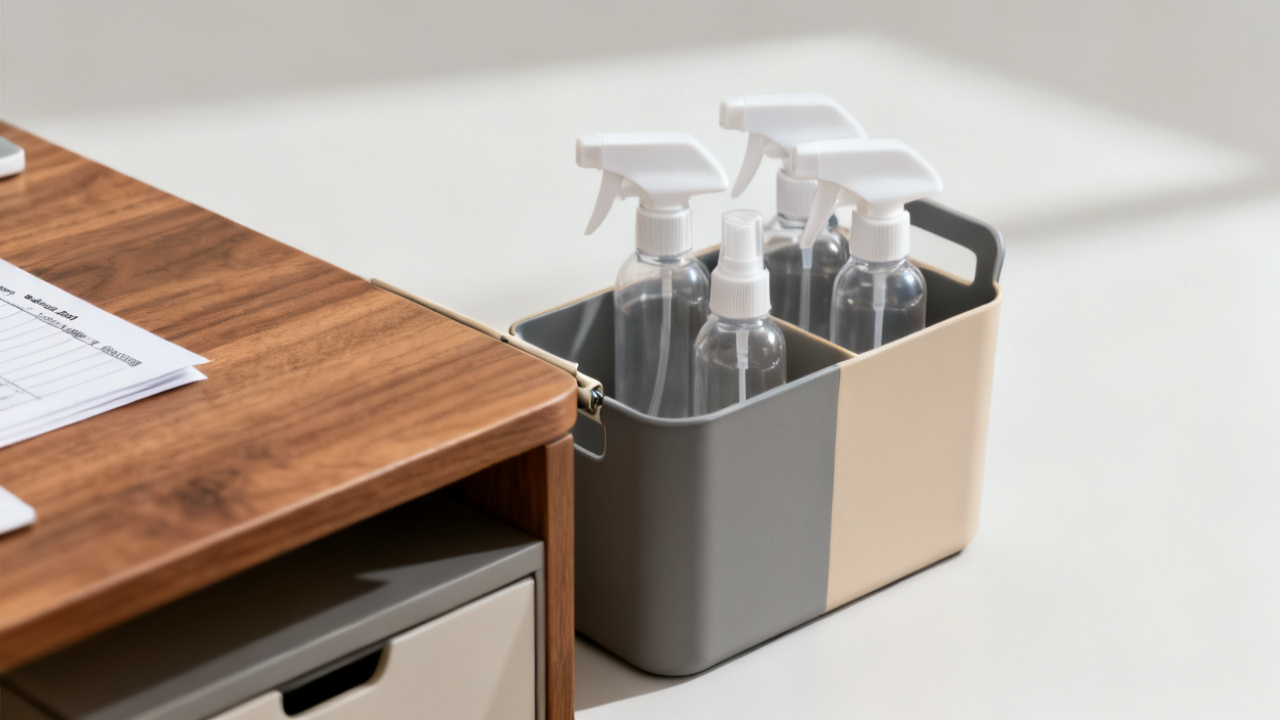
To avoid paper backlogs, you’ll use a single 8×10 inch plastic or wooden tray placed in a high-traffic area like your kitchen counter or entryway table. All incoming paper goes directly into this tray the second you bring it into your home, no exceptions. Follow this dense 10-minute checklist at the same time every week (for example, right after Sunday dinner) to keep the system running smoothly:
* Example timing: 1 minute: Sort all papers in the tray into four piles: recycle immediately, eligible for no-scan folders, goes to secure legal/medical storage, goes to shared family files
* Example timing: 3 minutes: Shred any papers with sensitive personal information marked for recycling, including pre-approved credit card offers, unsolicited bank statements, and old prescription labels
* Example timing: 4 minutes: File eligible papers into the seven no-scan folders, writing the date of receipt on the top right corner of each sheet to make quarterly purges fast and easy
* Example timing: 2 minutes: Drop papers marked for secure storage or shared family files into their respective small labeled bins next to the main tray, to be moved to their permanent locations once per month
At the end of the pass, the main tray will be completely empty, and you won’t have to think about paper filing for another seven days. You don’t need to read every word of every paper during this pass—only confirm which pile it belongs in before moving on.
Papers that still belong with a lawyer or clinic
This no-scan system is not designed for high-stakes legal, tax, or long-term medical documents. These papers require secure, climate-controlled storage, and you should keep encrypted digital backups of all of them stored in an offsite cloud drive for safety. Eligible papers for this category include birth certificates, marriage licenses, divorce decrees, adoption paperwork, property deeds, car titles, wills, power of attorney documents, advanced medical directives, full medical records for chronic health conditions, and tax returns plus supporting documentation from the last 7 years. If you receive a copy of any of these documents in the mail, skip the no-scan tray entirely and move them directly to their secure storage location (either a fireproof home safe or your lawyer’s office) during your weekly pass. Do not store these documents in the seven no-scan folders, as they are not protected from damage or loss there.
Shared family files this tray cannot replace
If you live with other household members, including kids, roommates, or elderly relatives, there is a small set of papers that need to be accessible to everyone, not just the person who completes the weekly filing pass. These papers belong in a single visible 3-ring binder stored near your front door or kitchen, so babysitters, caregivers, or guests can access them quickly without digging through the no-scan folders. Eligible papers for this binder include emergency contact lists for all household members, home Wi-Fi passwords, appliance manuals for large appliances like your fridge, washer, and oven, rental agreements if you lease your home, pet emergency care instructions, and kids’ allergy action plans. You only need to update these files once every 6 months, or whenever the listed information changes, and they do not need to be included in your weekly 10-minute pass unless you receive updated copies in the mail.
You can set up the entire no-scan system in less than half an hour on your next free evening, using only a paper tray, seven standard manila folders, a marker, and a small shredder. Once you run through your first weekly 10-minute pass, you’ll never again find a months-old unpaid bill or expired pet vaccine reminder buried in a random grocery bag.